Mkdocs
General
In case you're using the mkdocs integration, the CLI argument OUTPUT does not take a path to file anymore! Instead you must define a path to an existing directory in which you want to store the generated output files by mkdocs.
View the Docs
Read the section Open Mkdocs Webpages to open the generated documentation locally!
Using Custom Robot Framework Lexer
You can create a code section in your customized mkdocs template and define robotframework as style type.
Testdoc provides a custom pygment lexer for this type and you will get a modern style for the Robot Framework code sections.
Internal Mkdocs Template
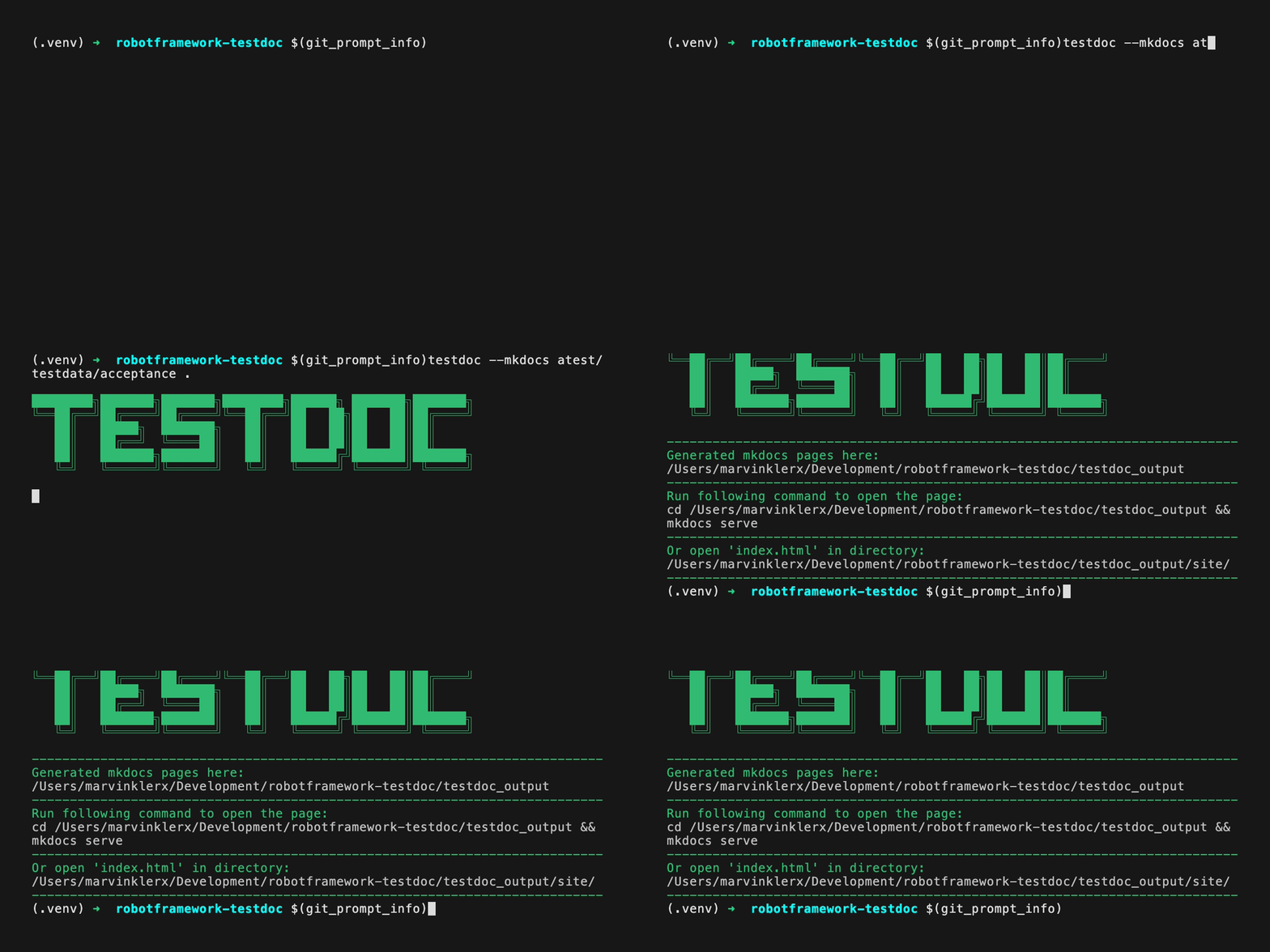
Use the following command to generate a mkdocs documentation using the internal template provided by robotframework-testdoc:
testdoc --mkdocs <path/to/test/directory> <path/to/output/dir>
Internal Template
You can take a look at the internal mkdocs template provided by robotframework-testdoc - here you can find it: Internal Mkdocs Template
External Mkdocs Template
You can also created your own mkdocs template locally which will be used by robotframework-testdoc as base template & gets extended with the given test suite directory.
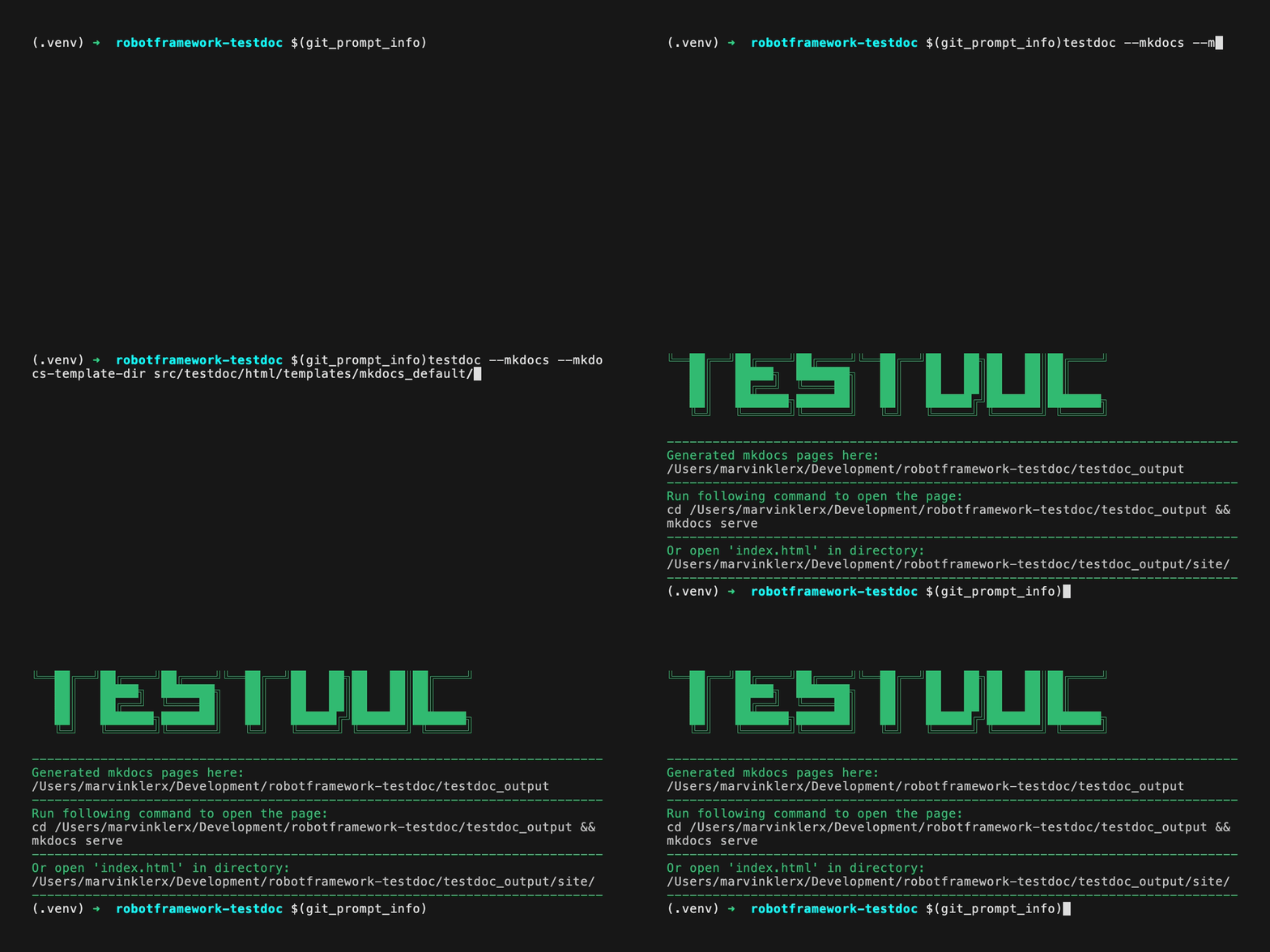
Attach the following CLI arguments to your command to use your own template:
testdoc --mkdocs --mkdocs-template-dir <path/to/local/mkdocs/template> <path/to/test/directory> <path/to/output/dir>
Read the API Documentation
Please read the API Documentation before creating your custom template - you must know which metadata gets provided by testdoc to be used in the mkdocs template!
Example
You can visit the internal mkdocs template as example & if required, you can use this template as a starting point to create your own customized templete. The template can be found here: Internal Mkdocs Template
Mandatory Files
You need to create some mandatory files & directories when creating your own mkdocs templates, because they are required by robotframework-testdoc. Please make sure you have the following directory structure with all of the files created:
your_mkdocs_template_dir/
  mkdocs.yml          (mandatory)
  docs/
    _partials/
      suite_page.md   (mandatory)
    index.md          (mandatory)
mkdocs.yml
The mkdocs.yml must at least have the following configuration:
yml
use_directory_urls: false

plugins:
  - search
  - macros:
      module_name: main

extra_css:
  - stylesheets/pygments-myrobot.css

exclude_docs: |
  _partials/
  generated/_resolve_suite.md
index.md
The index.md file is the landing page of your documentation and its fully customizable, but it must exist.
suite_page.md
The suite_page.md is a templated page used by robotframework-testdoc to visualize each test suite correctly in the browser.
Open Mkdocs Webpages
You have two different ways to open & visit your generated mkdocs webpages.
1. Navigate to the output directory and open the file manually
2. Navigate to the output directory and run a local mkdocs server to host your webpage
Open the Webpage
Navigate to <path/to/output/dir>/testdoc_output/site and you will find a file called index.html - open this file in any web browser.
Host the Webpage
Navigate to <path/to/output/dir>/testdoc_output and run the following command:
cd <path/to/output/dir>/testdoc_output

mkdocs serve
This command will host your webpage locally and you will most probably be able to visit this page at: https://127.0.0.1:8000
Host the Webpage in your CI/CD
Please navigate to the official documentation ("how to publish your site") about hosting mkdocs pages as webpage in your CI/CD environment.